Project 8 Plus: Tony Hawk’s Project 8 on PC

Tony Hawk's Project 8 on PC. 60+ fps, HD textures and mods.

Download for WindowsLinux (experimental)

Project 8 Plus trailer

All gameplay was recorded in real time on the native PC port. Music: “Your Game, Your Rules”, an original score for Project 8 Plus (CC BY 4.0).

Free, Windows 10/11, Unofficial fan project

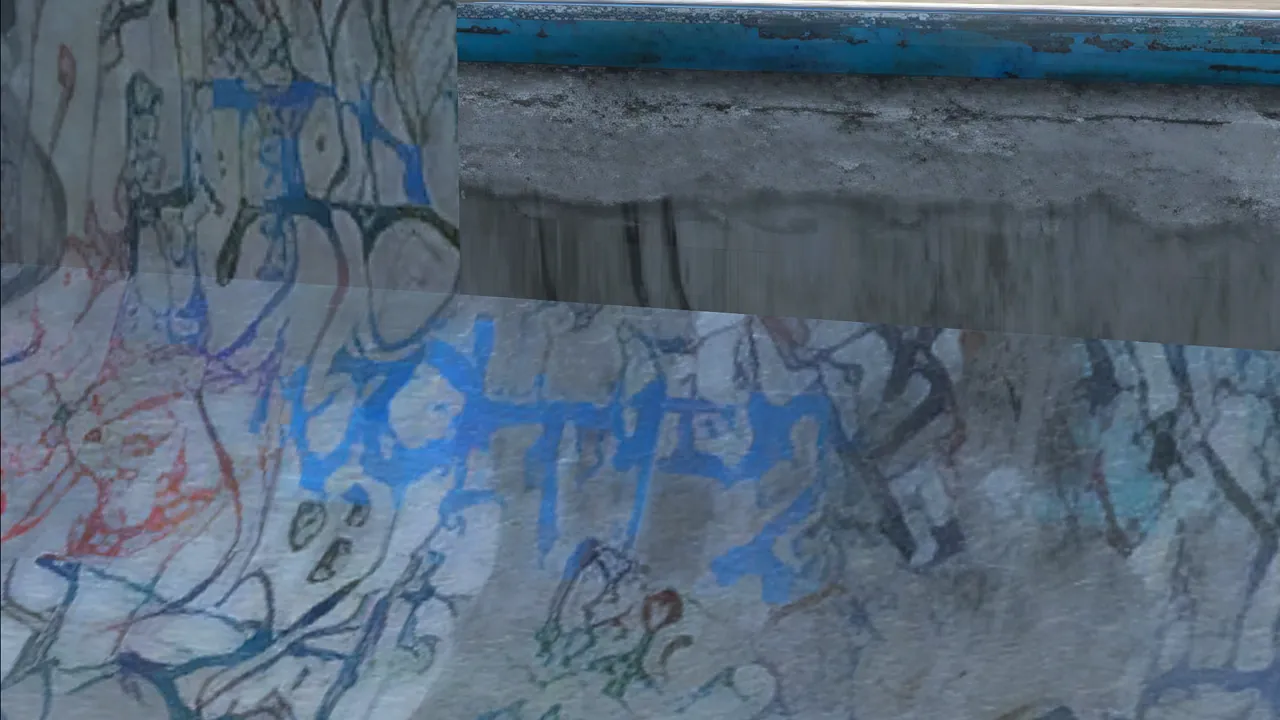
HD textures

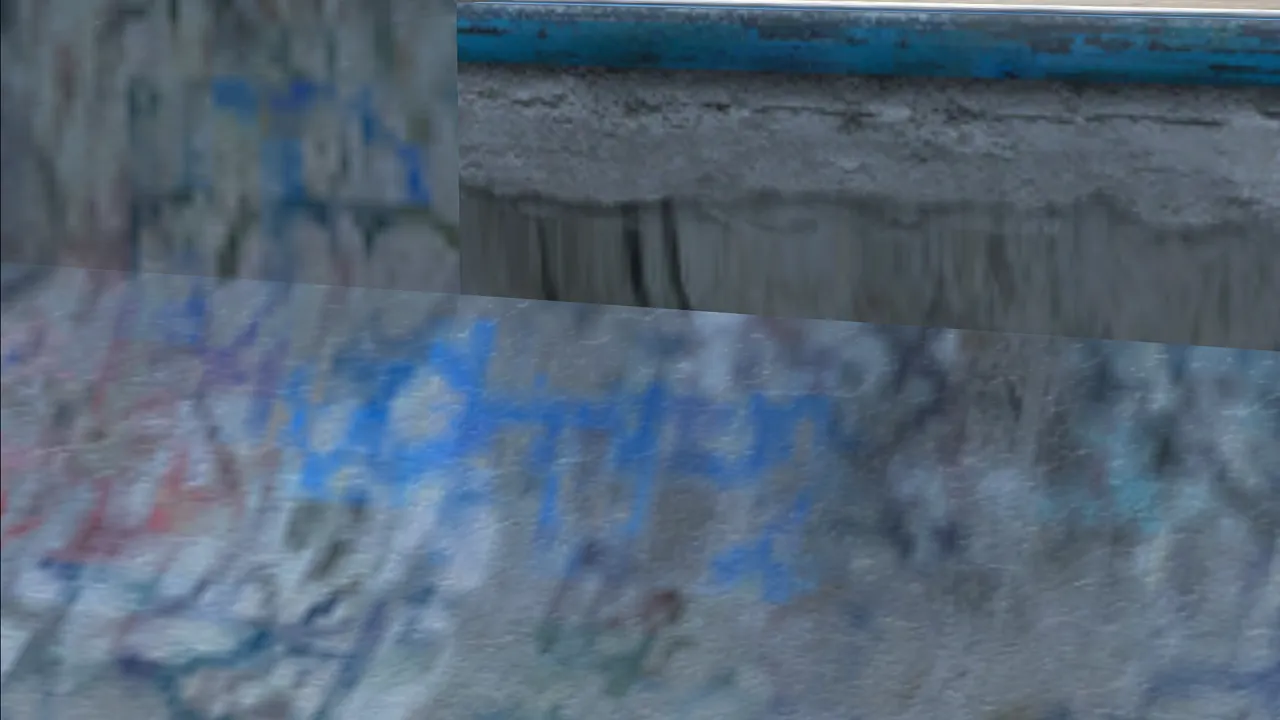
Tagged concrete wall in Cretepark, close up, original texturesTagged concrete wall in Cretepark, close up, HD textures
Cretepark: a tagged wall, close up (cropped, not enlarged).

In game

Cretepark seen from high above: bowls, ramps and the city behind
Cretepark from above
Tony Hawk at the peak of a 900 over the Cretepark bowl
The 900 at Cretepark
A frontside 50-50 grind on a backyard rail in Houses, with skate banners behind
FS 50-50 in Houses
Create-a-Skater Plus body shape page: a full-body skater with shoulder size and depth sliders
Create-a-Skater Plus body shape

Mods included

On when you install

  • Project 8 Plus60, 120 or 144 fps, and ultrawide support.
  • Create-a-Skater PlusColor any piece of clothing, set a skin tone, shape the body and face, and use every item, locked ones too.
  • HD texturesSharper world, skaters and menus, made on your PC in the background.
  • Smoothed skatersRounder pro skaters and character heads, made from your game files during the install.
  • Button promptsKeyboard and controller support, with matching on-screen prompts.

The basics

Do I need the game?

Yes. You need a ROM of the game (not provided here) and RPCS3, which is used to decrypt your copy during setup.

It has to be the US PlayStation 3 version, BLUS30011.

How to copy your disc (RPCS3 guide)

Will it run on my PC?

System
Windows 10 or 11, 64-bit
Graphics
A graphics card with DirectX 12
Memory
16 GB recommended. Less works, the install just takes longer.
Disk
About 4 GB free to install (2 GB once installed)
Controllers
Xbox controllers and keyboard. PlayStation and other controllers through Steam Input or DS4Windows.

Coming soon

  • Steam Deck
  • Mac
  • Online play

Install in 3 steps

  1. Download and open

    Unzip the download anywhere and run THP8 Launcher.

  2. Point it at your game

    Pick your game folder, check that RPCS3 was found, and keep the default options.

  3. Build, then play

    Press Start building. It takes about 25 minutes, once. Then press Play.

FAQ

Is this using an emulator?

No. The launcher turns the game into a real PC program on your machine, so it runs natively, with no emulator while you play. RPCS3 is only used once, during setup, to decrypt your copy.

Is this legal?

Project 8 Plus includes and downloads none of the original game. You provide your own copy, which your own RPCS3 decrypts, and the launcher builds the PC copy on your PC. It's a free, unofficial fan project, not affiliated with Activision or Neversoft.

I have the European or Japanese disc. Will it work?

No. Only the US disc, BLUS30011, works for now. The launcher checks your copy and tells you if it is a different one.

Does it matter which drive I install to?

Installing on the same drive as your game files saves space. On a different drive the game data is copied, which needs about 5 GB more.

Where are my saves?

In one folder for every install and version: Documents\My Games\Project 8 Plus\Saves (Linux: ~/.local/share/project8plus/saves). The launcher's Settings > Saves opens it, moves it and imports saves from older installs. Copy that folder to back them up.

My antivirus or Windows warned me.

The launcher and the game it builds are not signed, which these checks dislike. Download only from the official page, and report the warning so we can look into it.

Were language models used in the development?

Yes, excessively.